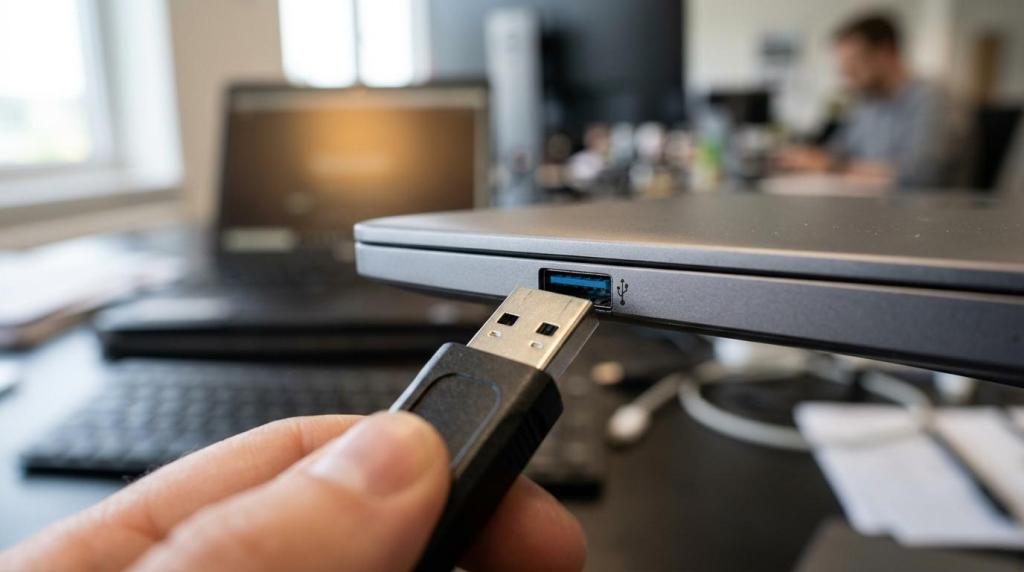
Buyers often place user activity monitoring and time tracking on the same shortlist, then realize the products are built for different jobs.
One helps document hours worked and supports payroll, attendance and basic productivity reporting. The other gives security, IT, compliance, and operations teams much deeper visibility into what happened on a Windows endpoint, which user did it, what data was involved, and whether policy was broken. If you are evaluating software for Windows PCs or Terminal Server and RDS environments, that distinction matters early.
A platform can include both. Still, the data model, retention needs, and rollout approach are not the same.
User activity monitoring vs time tracking: the core difference
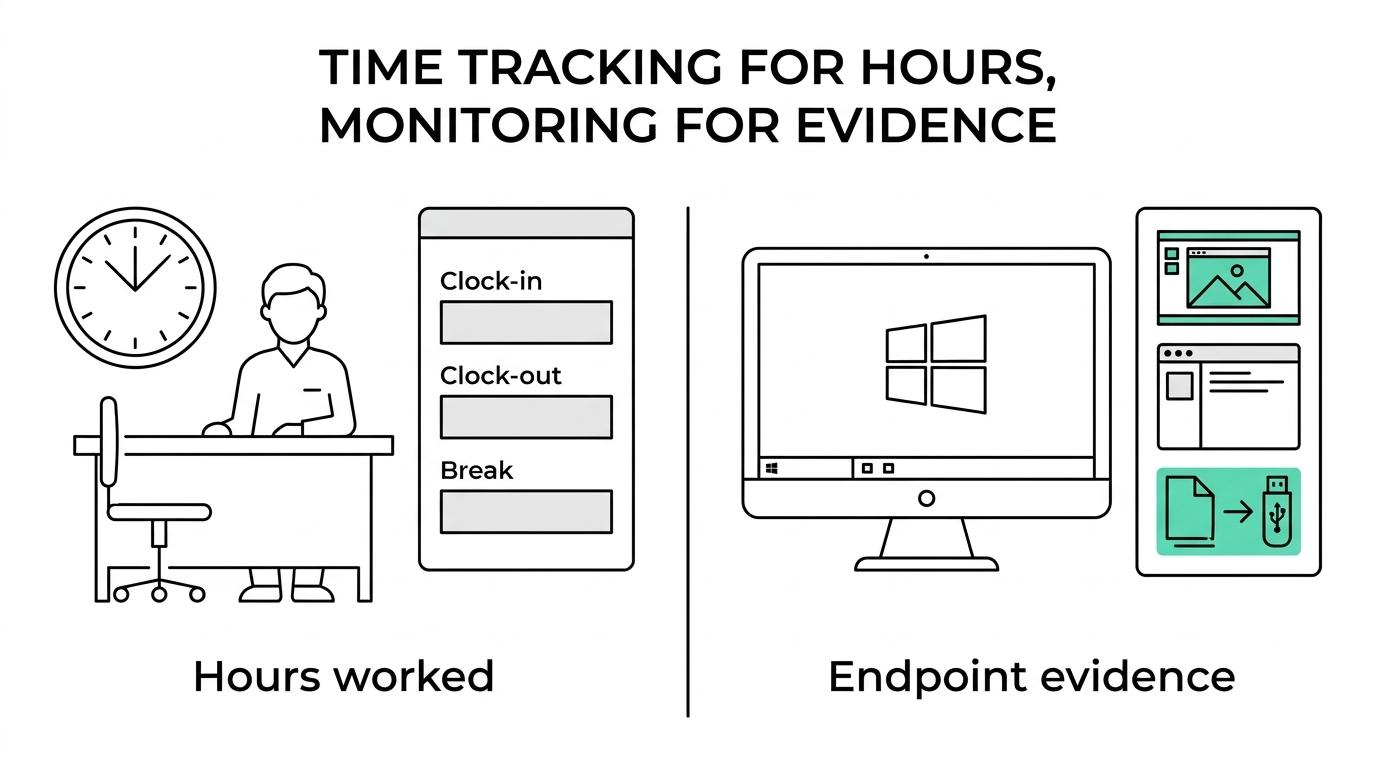
Time tracking is centered on labor records. It answers questions like when someone started work, how long they were active, whether they took breaks, and how many hours should be counted for payroll or client billing.
User activity monitoring answers a different set of questions. Which application was open? Which website was visited? Was a file copied to USB? Was a message sent? What was on screen before a data leak, policy violation, or insider risk event? For IT and security teams, that level of detail is the point.
The difference is easier to see side by side.
| Area | Time Tracking | User Activity Monitoring |
|---|---|---|
| Primary purpose | Hours worked, attendance, payroll support | Endpoint visibility, policy enforcement, investigations |
| Typical data captured | Clock-in/out, active time, idle time, timesheets | Apps, websites, screenshots, screen video, file actions, devices, clipboard, prints, messages, user actions |
| Main buyers | HR, payroll, operations, managers | IT, security, compliance, operations |
| Record depth | Summary and duration focused | Event and evidence focused |
| Incident response value | Limited | High |
| DLP relevance | Minimal | Strong, especially with device control and file monitoring |
| Best fit | Workforce attendance and productivity reporting | Insider risk, compliance oversight, misuse investigations, data leakage controls |
That does not make time tracking less important. It just means it is not enough when your team needs evidence, auditability, or direct control over endpoint behavior.
Time tracking software fits payroll and attendance requirements
For many teams, time tracking is a requirement because wage and hour records must be complete and accurate. In the United States, the Department of Labor states that employers must keep records of wages paid and hours worked, regardless of where the work is performed. It also allows employers to choose the timekeeping method they use, as long as the information is complete and accurate.
That matters for nonexempt workers, remote staff, and hybrid teams. If your main buying goal is payroll support, shift accountability, or client billing, a time tracking product may be enough. It is built to document work duration, not to reconstruct detailed endpoint activity.
Time tracking products usually do well in a few areas:
- clock-in and clock-out
- timesheets
- active vs idle time
- attendance reporting
- project or task allocation
Those capabilities help managers answer operational questions. They do not usually help a security team investigate whether a spreadsheet was copied to removable media, whether a user printed regulated data, or whether suspicious activity took place through RDP or an RDS session.
User activity monitoring provides evidence, not just duration
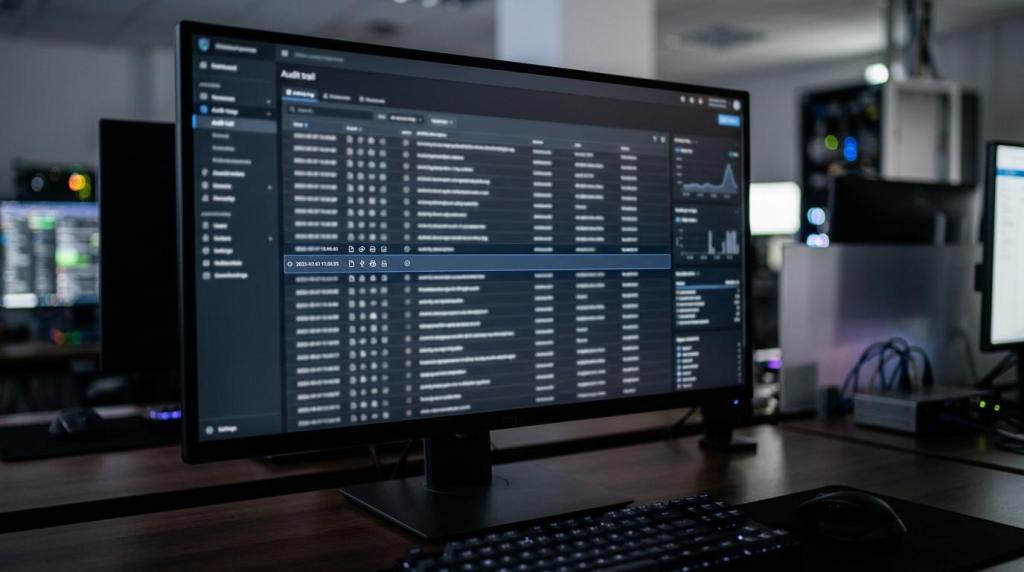
User activity monitoring is a better fit when the requirement goes beyond attendance and productivity. It records what happened on a company-managed Windows system so authorized teams can review user actions, investigate incidents, and enforce policy.
In practical terms, this can include screenshots, video recording, application usage, website history, search activity, clipboard events, file actions, email or chat oversight where policy allows, and device-level controls. In stronger platforms, it also extends to USB control, print tracking, investigation workflows, and remote control for response and support.
For B2B buyers, this is where the category shifts from workforce reporting to endpoint oversight.
A product designed for Windows monitoring should support more than one use case:
- Insider risk investigations: Review screen evidence, user actions, and file activity around suspicious behavior.
- Data loss prevention: Restrict or monitor USB use, clipboard transfers, printing, and sensitive file movement.
- Operational oversight: Confirm how shared workstations, back-office teams, or remote staff use line-of-business applications.
- Compliance support: Retain evidence for internal review when regulated data handling must be checked.
- IT response: Use remote control and session visibility to verify issues and support users faster.
This is also why basic time trackers often feel thin to security and compliance teams. They summarize activity. They do not preserve enough context.
Windows environments change the buying criteria
If your environment is mostly Windows PCs, laptops, and Terminal Server or RDS sessions, product fit gets more specific. Some tools handle local desktops well but fall short in multi-user sessions. Others track one device cleanly but become hard to manage when users move between office workstations, home PCs, and virtual sessions.
A Windows-focused monitoring platform should handle session-based environments without turning administration into a manual project. Central policy management matters. So does the ability to monitor from a web console, investigate across multiple endpoints, and apply controls consistently whether the deployment is cloud-hosted or on premise.
This is where combined monitoring and DLP platforms have an edge over isolated time trackers. They can bring together user activity monitoring, screenshots, video evidence, device control, time tracking, and remote control in the same workflow. That makes a big difference when your team wants one system for operations and security instead of separate tools that do not correlate well.
Legal and policy requirements are not the same
A common buying mistake is assuming that because a product tracks time, it can be deployed under the same internal rules as a deeper monitoring platform. Usually, it cannot.
Time tracking is mainly tied to wage and hour recordkeeping. User activity monitoring often brings in broader internal policy, acceptable use, privacy review, works council or employee notice considerations, and security governance. The more detailed the capture, the more important the rollout model becomes.
In many official workplace systems, a system use notification or login banner is used to notify users that activity may be monitored, recorded, and subject to audit. Some organizations treat continued access after acknowledgment as consent within their environment. In certain government-style system notice models, the notification remains on screen until the user acknowledges the conditions.
That does not create a one-size-fits-all legal answer. It does show why serious buyers involve legal, HR, compliance, and IT before broad deployment.
When comparing products, ask how the software supports your governance model:
- User notice options: Can the system present warnings or operate with user-facing policy notices where required?
- Role-based access: Can investigators, managers, and admins be separated cleanly?
- Data retention: Can evidence and logs be retained according to internal policy?
- Scope control: Can monitoring be limited by department, group, device type, or use case?
- Audit support: Can you show who reviewed data and why?
A tool that captures a lot of data but lacks policy controls can create as much work as it solves.
Why many buyers end up needing both
Some organizations start with time tracking and then add monitoring after an incident. Others begin with employee monitoring for security reasons and later realize managers also want attendance and productivity reporting. Combining both in one platform can reduce overlap, as long as the product does not treat time tracking as a poor add-on or monitoring as a thin checkbox.
The strongest fit is usually in organizations that need to answer both kinds of questions:
- How many hours were worked, and when?
- What exactly happened on the endpoint during those hours?
That is common in outsourced operations, contact centers, regulated back-office teams, finance, healthcare administration, hybrid support desks, and any business with sensitive data on Windows workstations.
A unified system can be especially useful when the same event touches multiple teams. An operations manager may need time data. Security may need screenshots and device activity. IT may need remote control. Compliance may need an investigation record. Using separate tools for each piece slows response and weakens the evidence trail.
What to look for in a user activity monitoring platform for Windows
Not every monitoring platform is equally useful in daily administration. Buyers should focus less on feature count alone and more on whether the system helps teams act on the data.
A practical evaluation checklist should include these points:
- Windows and RDS support: Reliable coverage for desktops, laptops, and Terminal Server or multi-user environments
- Evidence quality: Screenshots, screen video, user activity logs, and searchable event history
- DLP controls: USB/device control, print oversight, clipboard tracking, and file movement visibility
- Remote operations: Remote control for support and response without switching to another tool
- Central management: A web console for policies, investigations, review, and administration
- Deployment choice: Cloud and on-premise options with similar day-to-day workflows
This is where OctoWatch is aimed. It is built for Windows environments and Terminal Server or RDS use cases, combines employee monitoring and DLP in one platform, and includes screenshots, video recording, user activity monitoring, device control, time tracking, remote control, and investigation workflows through a centralized Web Console. For buyers who want to validate fit before procurement, there is a free 14-day trial.
Licensing and deployment affect operational fit
Licensing often gets less attention than features during the shortlisting stage, then becomes a problem later. For monitoring products, the unit of licensing matters a lot in shared or rotating environments.
A floating model based on active tracked users can be more practical than fixed device licensing when users rotate across workstations or log into RDS sessions. That can reduce wasted licenses and make rollout easier for operations teams with shift-based schedules. It also maps better to how many organizations actually monitor activity: by user session, not by hardware count alone.
Deployment choice matters too. Some buyers need cloud administration for speed and simpler rollout. Others need on-premise deployment because of internal data handling policy, network segmentation, or regulated environments. A product that offers both with similar workflows gives buyers more room to match internal requirements without retraining teams later.
A better buying question than “Which one is best?”
The more useful question is: what problem are you trying to solve on Windows endpoints?
If the answer is payroll accuracy, attendance, and basic productivity reporting, start with time tracking. If the answer includes data leakage risk, user investigations, policy enforcement, or visibility into actual workstation behavior, you are in user activity monitoring territory. If your team needs both, choose a platform that treats both as first-class functions rather than forcing separate systems together.
That is usually the cleaner path for IT, security, compliance, and operations teams that want deeper oversight without losing simple reporting on hours worked. It also makes evaluations easier, because you can test monitoring depth, DLP controls, remote support capability, deployment fit, and licensing logic in one review instead of running parallel product trials.
For buyers working in Windows-heavy environments, that clarity saves time and leads to better product fit.