Effectively tracking working hours—sometimes called time tracking or attendance management—is essential for modern organizations aiming to optimize productivity, comply with labor laws, and support employee well-being. As remote and hybrid work have become mainstream, and as digital transformation continues, tracking working hours is both more complex and more critical than ever.
This updated overview highlights the importance of time tracking, examines the latest tools and technologies, explores legal and ethical considerations, and offers best practices for choosing and implementing the right system for your business.
What Is Time Tracking and Why Does It Matter?
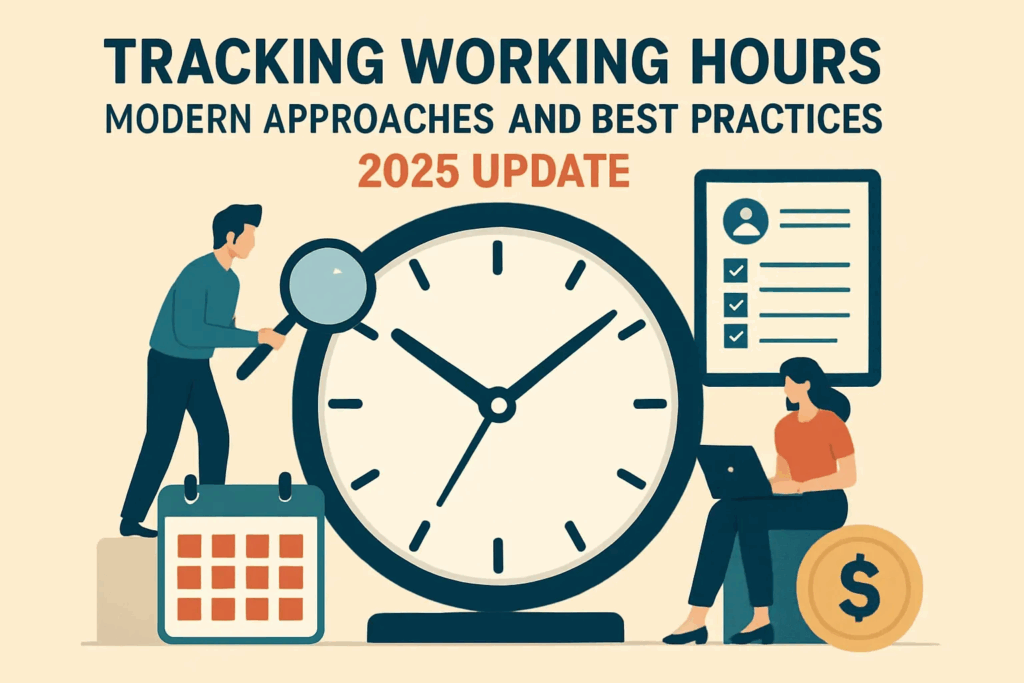
Time tracking is the practice of systematically recording how long employees work, whether overall, on specific projects, or dedicated tasks. Typical data points include clock-in/out times, breaks, project or client allocations, and overtime.
Key Benefits
- Advanced Task Management and Transparency
- Spotting bottlenecks early: Transparent records let managers address inefficiencies and rebalance workloads before small issues become costly.
- Project-based accounting: Accurate client and project hour allocations lead to more reliable costing and profitability analysis.
- Overtime Prevention & Supporting Well-being
- Balanced workloads: Real-time data helps spot chronic overtime and uneven task distribution.
- Burnout prevention: HR teams can intervene early if workloads are unsustainable.
- Productivity & Process Optimization
- Data-driven improvement: Comparing actual versus expected time spent helps refine business processes.
- Self-correction: Employees can identify and adjust for distractions or unproductive time.
- Managing Remote and Distributed Teams
- Coordination: For hybrid or distributed teams, time tracking brings visibility and accountability, ensuring fair recognition for off-site staff.
- Legal Compliance & Risk Mitigation
- Labor law alignment: Tracks wage, hour, and overtime compliance across different regions.
- Audit readiness: Reliable records support dispute resolution and reduce the risk during audits or employment claims.
Modern Methods for Tracking Working Hours
Today’s approaches generally fall into several categories. The right solution depends on your team size, work style, security needs, and integration requirements:
1. Manual Tracking
- Formats: Paper timesheets, handwritten logs, or punch cards.
- Pros: No upfront costs, simple to get started, familiar to small teams.
- Cons: Prone to errors or fraud, laborious to compile, not scalable.
- Best For: Micro-businesses (under 5 employees), ad hoc teams.
2. Electronic Spreadsheets
- Tools: Google Sheets, Microsoft Excel.
- Pros: Central overview, calculations are easier, minimal cost.
- Cons: Still manual data entry, can introduce version control headaches, human error remains an issue.
- Best For: Small teams starting to systematize time recording.
3. Automated Time Tracking Systems
- Examples: Toggl Track, Hubstaff, Harvest, RescueTime, Clockify, Time Doctor, and regional options such as OfficeMetrics, OctoWatch, and advanced biometric systems.
- Pros:
- Automates the entire process—attendance, task/activity tracking, and sometimes app or website usage (when enabled).
- Real-time analytics and custom reporting.
- Integrates with payroll, project management, and CRM tools.
- Options include mobile, desktop, and sometimes biometric (fingerprint, facial recognition) solutions.
- Cons:
- Subscription-based costs.
- Requires setup and potential staff training (though many modern platforms are user-friendly).
- Must address employee privacy concerns and compliance with local law.
- Best For: Any size team—especially distributed, hybrid, or project-driven organizations.
4. Specialized Tracking Technologies
- Biometric terminals: Help prevent “buddy punching”; best for on-site workplaces.
- GPS location apps: For verifying field staff are clocked in at the right site (e.g., logistics, construction).
- API integrations: Keep time tracking synced with payroll, HRIS, and project management software.
How to Choose the Right Tracking Approach
- Team size:
- Small (<10): Spreadsheets or basic time tracking apps often suffice.
- Medium (10–50): Consider lightweight automated or cloud-based solutions.
- Large or dispersed (50+): Fully featured platforms with mobile options and integrations are a must.
- Nature of work:
- If you’re project- or task-based, prioritize support for tagging, budgeting, and client billing.
- For field teams, GPS-enabled apps ensure accuracy.
- For labor-regulated or shift-based work, detailed compliance and overtime reporting is essential.
- Remote/hybrid setup: Look for flexible clock-in/out, analytics on app usage, and cross-time-zone support.
- Integrations: Seamless compatibility with your CRM, payroll, and project tools is increasingly non-negotiable.
- Data privacy & security: Choose solutions with strong encryption, data residency that matches your legal needs, and transparent access controls. Always ensure compliance with data protection laws (GDPR, and any local regulations).
Rolling Out a Time Tracking System: A Practical Guide
- Identify Core Needs
- Why are you tracking time? (Payroll? Project costing? Productivity insights?)
- Who are your key stakeholders (finance, HR, employees, management)?
- Shortlist Vendors
- Research leading providers, compare features and costs.
- Request demos or run a free trial where possible.
- Pilot Implementation
- Test with a group representing diverse roles.
- Gather feedback on usability and privacy perceptions.
- Customization and Training
- Configure workflows to fit your business processes.
- Offer hands-on training and clear documentation.
- Transparent Communication
- Update your employee handbook and gather any required consent.
- Clearly explain what is tracked, how data will be used, and employee rights.
- Full Roll-Out and Ongoing Review
- Deploy across your organization.
- Regularly review adoption, accuracy, and employee feedback; adapt as needed.
Legal and Ethical Guidelines
- Is time tracking legal? Yes, and it’s often required:
- In the US: The Fair Labor Standards Act (FLSA) covers non-exempt workers.
- In the EU: The Working Time Directive and GDPR set strict rules not only on working hours, but on worker data privacy.
- In Russia: Local labor laws require recording working and rest times.
- Key points:
- Always inform employees in advance and obtain explicit written consent for digital tracking.
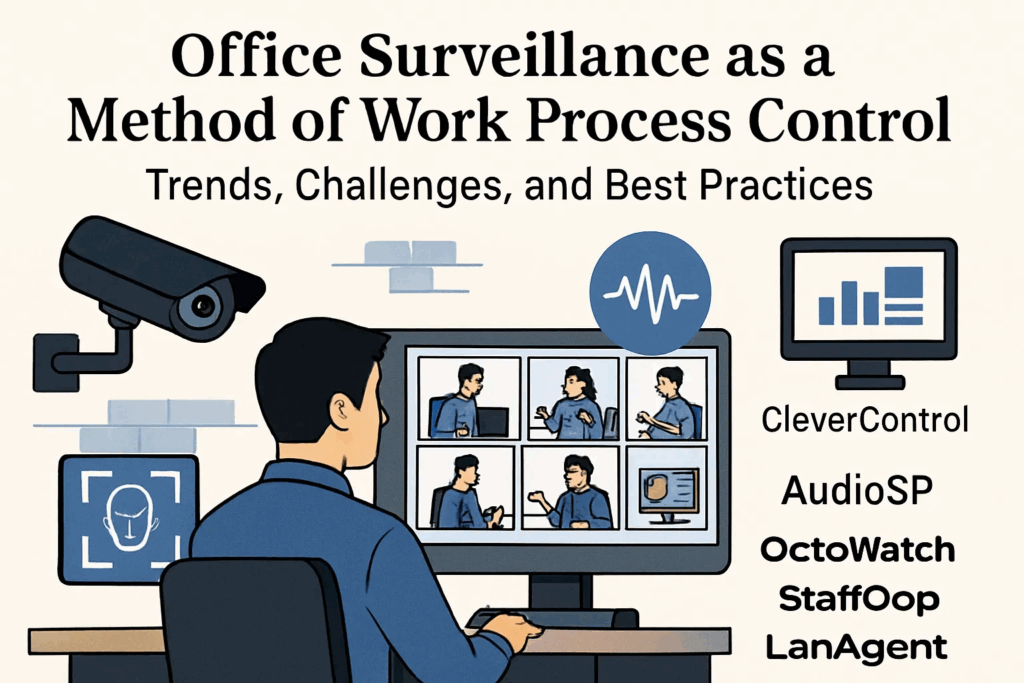
- Time tracking should focus on work-related activity and be clearly distinguishable from covert surveillance. Keystroke logging, webcam use, or monitoring private devices are subject to stricter rules, and often prohibited without special agreements.
- Data must be securely stored, with limited access, and deleted according to published retention policies.
Best Practices for Legal & Ethical Compliance
- Transparency: Communicate what is tracked and why—in plain language.
- Minimalism: Only collect the data strictly necessary for business or legal requirements.
- Confidentiality: Limit access to sensitive data to only those who need it.
- Participation: Involve employees in policy-setting and listen to their feedback and concerns.
Common Questions
- When should time tracking be a priority?
- As teams grow or shift to remote/hybrid work,
- To maintain wage/hour and overtime compliance,
- If project-based billing or client audits are required,
- Or to tackle persistent inefficiencies or signs of burnout.
- Do I need employee consent?
- Yes. Always, and preferably in writing.
- Will time tracking erode trust?
- It can—if done poorly or secretively. Emphasize fairness and transparency, not surveillance. Frame time tracking as a tool for enabling flexibility and workload equity.
- What if staff push back?
- Pushback often stems from privacy concerns. Encourage discussion, address worries candidly, and highlight benefits such as more objective reviews and protection against wage disputes.
Future Trends in Time Tracking (2025 and Beyond)
- AI-driven analytics: For smarter forecasting, workload balancing, and process optimization.
- Deeper integrations: Time tracking embedded in Slack, Teams, or Google Workspace.
- Employee self-service: Personalized dashboards for well-being and time management.
- Outcome over hours: Shifting more toward results (especially in knowledge work) rather than simple inputs.
- Regulatory tightening: Keep policies up to date as data privacy rules evolve.
Conclusion: Making Time Tracking Work for Your Business
A well-chosen time tracking system, rolled out with transparency and employee engagement, can deliver huge benefits—cost control, compliance, reduced risk, healthier and more motivated teams, and smarter decisions.
- Engage staff early: Explain your “why.”
- Choose a scalable, secure, user-friendly solution.
- Regularly review its effectiveness and adapt as your business—and the law—changes.
At its best, time tracking is not just a tool for compliance, but a lever for building trust, operational excellence, and a workplace where both the business and its people thrive.